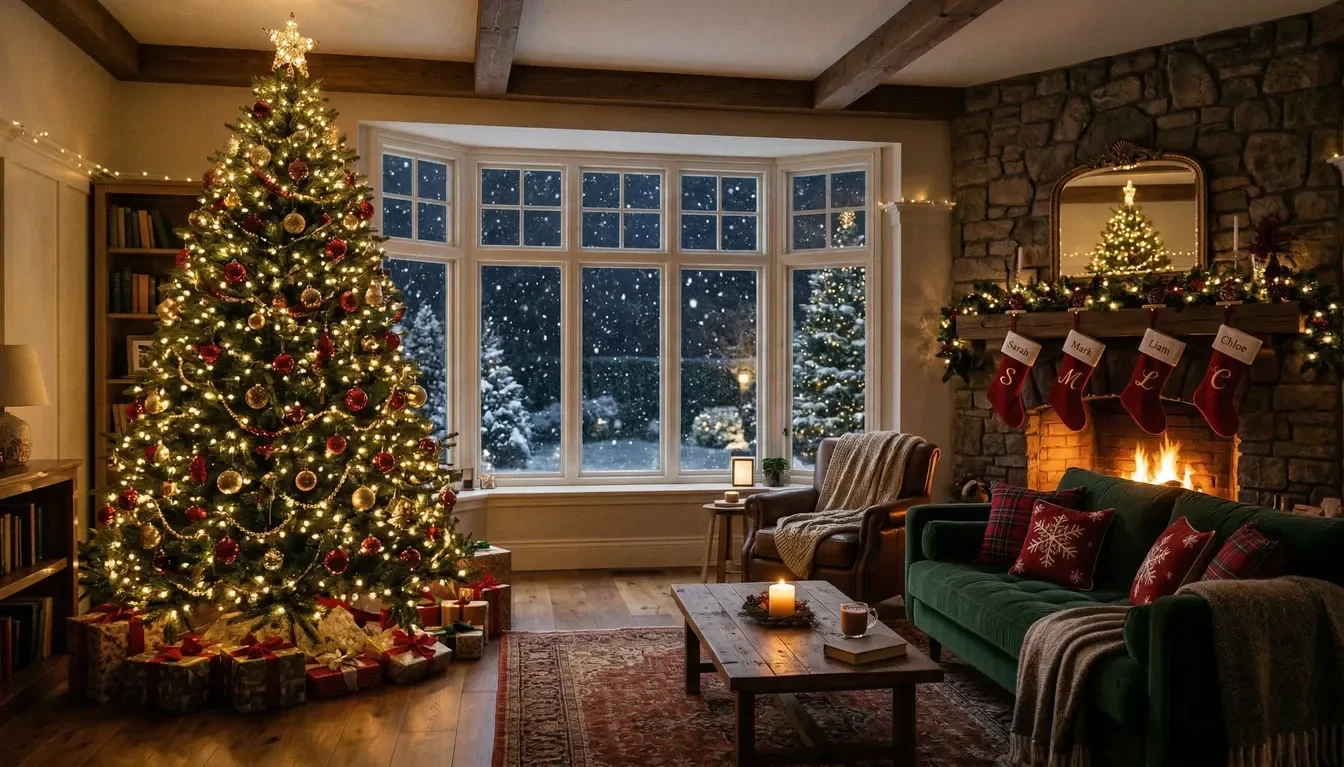
AI Christmas Photos Built From Your Face
Most AI photo tools begin with a generic stock face and only try to make it resemble you. Somny builds your character directly from your photos, so every image, pose, and holiday scene looks naturally like you.
Make My AI Christmas Photos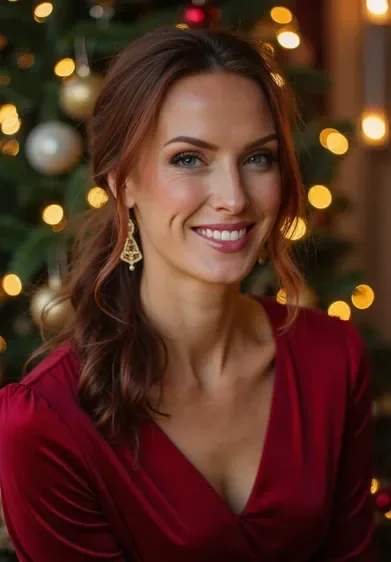

Real faces. Real AI Christmas portraits.
See what your own face looks like in a professional Christmas shoot. No studio, no scheduling, no coat-and-shiver outdoor session required.
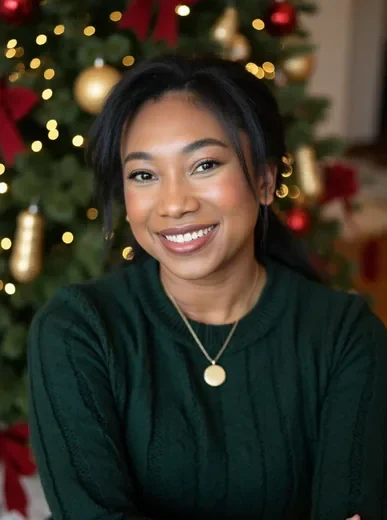
Holiday family portrait
Everyone's face looks right, the setting looks cinematic, and you didn't have to beg anyone to show up at a specific time.
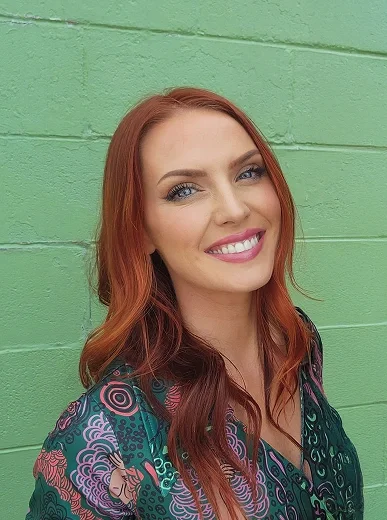

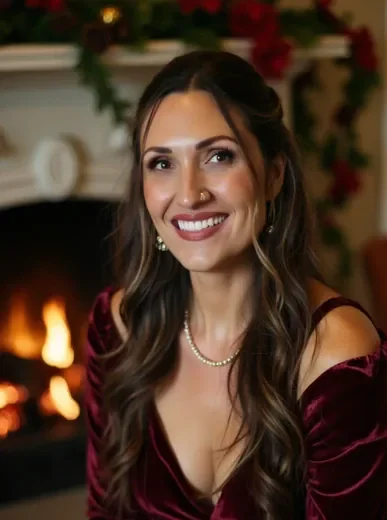
Cozy fireside portrait
Golden-hour warmth, fireplace light, your actual face. The portrait you've been picturing, without the cold outdoor shoot.
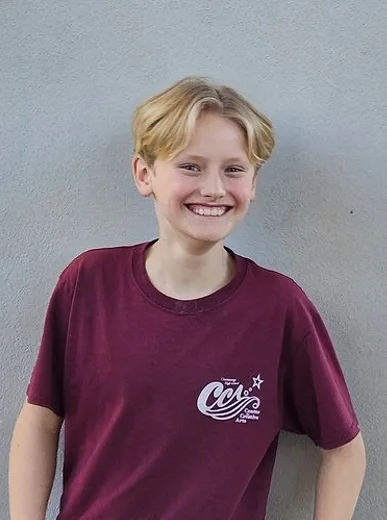
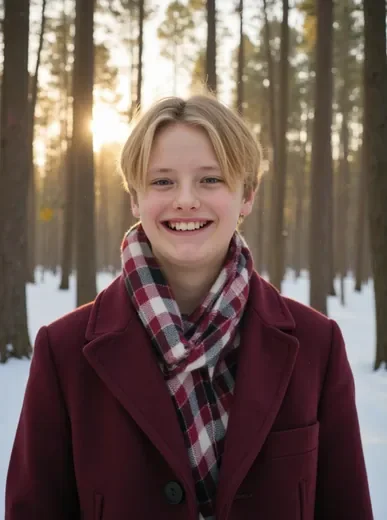
Winter wonderland scene
Crisp snow, festive coat, face stays sharp. The outdoor Christmas photo without standing in the cold for an hour.
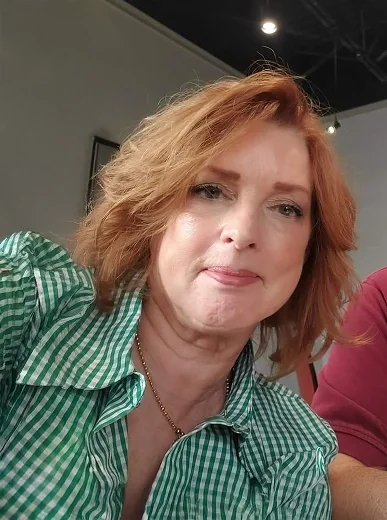
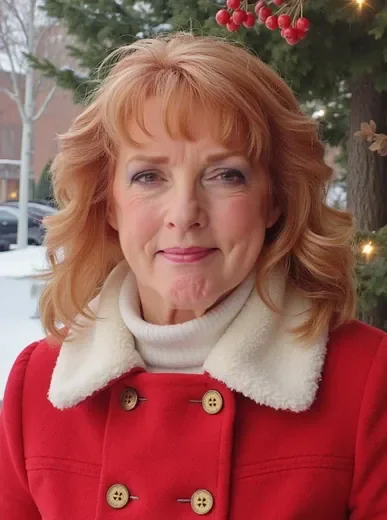
Christmas card portrait
Card-quality resolution, your actual face, no photographer required. People will ask who you hired.
Real people. Real Christmas results.
Getting everyone to look good in the same shot is its own kind of chaos. These people just skipped that problem entirely.
“I tried three different AI Christmas photo tools and they all changed my face in ways that made me look like a different person. Somny was the first one where my friends actually recognized me. I ended up using it for our Christmas card this year and everyone asked who took the photo.”

Rachel M.
Stay-at-home mom
“My partner and I used this for our holiday card and people kept asking who our photographer was. We told them it was AI and nobody believed us. Honestly the best Christmas card we've ever done and it cost about nothing compared to a real shoot.”

Jordan T.
Content creator
“I procrastinated on AI Christmas photos until December 22nd. Uploaded a few photos, had portraits done for our entire family in under an hour. My mom cried when she opened the card. I'm never booking a photographer again.”

Derek S.
Marketing manager
Why these AI holiday photos look like you
Other tools apply Christmas styles over a generic face. Somny builds your character from your own photos, so recognition isn't an afterthought.
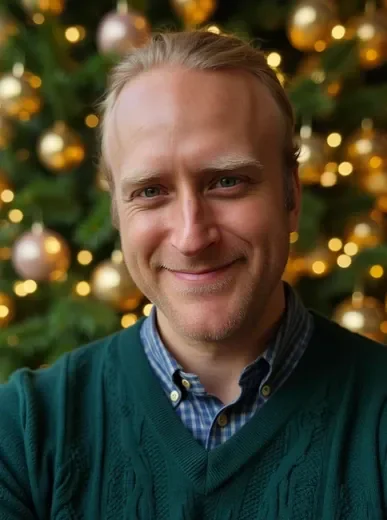
Your face, not a close guess
Most tools work from one angle, one expression. Somny builds from 10 to 15 of your photos, which is why you recognize yourself in every scene you generate.
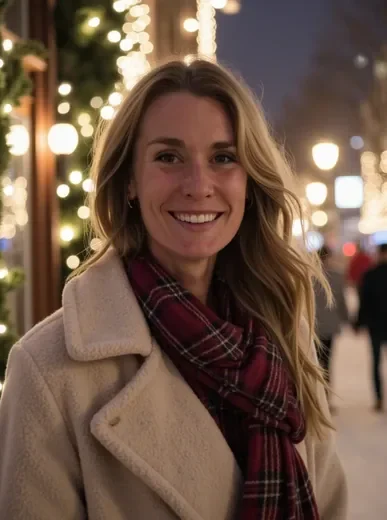
Every scene, same character
Build your character once. Then generate fireside portraits, snowy outdoor shots, and family scenes whenever you want. No re-uploading, no starting over.
Print-ready from the start
The resolution holds up at 5x7 and 8x10. Sharp enough for cards, realistic enough that people assume you hired someone. No editing before you send it off.
Your face shouldn't change for Christmas
Every other tool starts with a stock model and blends your face in. Somny starts with your photos, so it's already you before you generate a single scene.
See My AI Christmas Photos

Your first shot in under 5 minutes
1. Upload a set of photos
Add 10 to 15 photos with different angles and expressions. That variety is what makes your character look like you instead of a rough approximation.
2. Get your character built
Somny processes your photos and builds a character from your actual face. About 60 seconds later, you're ready to generate any Christmas scene you can describe.
3. Generate Christmas scenes
Type a scenario. Cozy living room, snowy pine forest, a family by the fire. Each photo comes out looking specifically like you, ready to share or print.
Your AI Christmas photo questions answered
Will it actually look like me, or will my face look off?
Most AI Christmas photo tools earn that skepticism. They apply a style over a single photo and the face is always slightly wrong. Somny builds your character from 10 to 15 photos, so the likeness is there before you generate anything. It looks like you because it started with you.
Can I use this for a family Christmas card?
Yes, and it's one of the most popular things people do with it. Create a character for each family member, then generate portraits with everyone together. The resolution prints cleanly at standard card sizes from any local photo lab.
How many photos do I need to upload?
Ten to fifteen photos works well. A mix of angles, lighting, and expressions gives your character more accuracy. Most people have an AI Christmas photo ready within 5 minutes of uploading.
How is this different from other AI Christmas photo tools?
Most tools take one photo and apply a holiday style over it. The face looks off because it's working from one angle, one expression, one lighting condition. Somny builds a character from multiple photos, which is why the face holds up across different scenes and poses.
Can I do this with my dog or cat too?
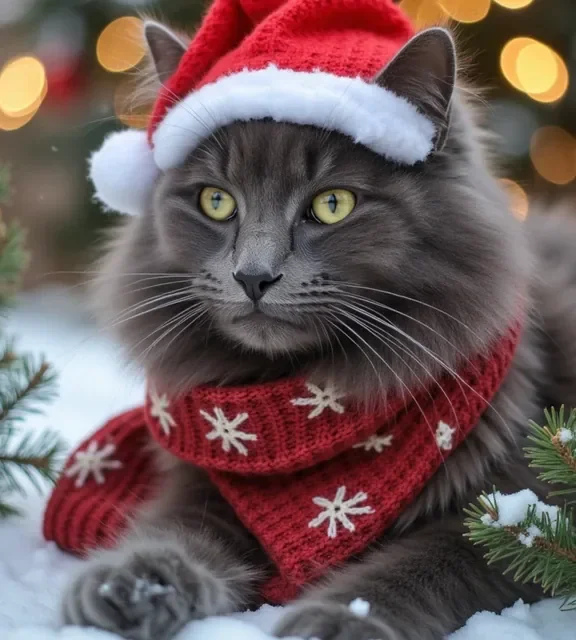
Yes. Pets work exactly the same way. Upload photos of your dog or cat, build their character, then generate Christmas scenes with them in it. People build pet Christmas cards, holiday portraits, and custom greeting cards for friends who love their animals.
Is it actually free to start?
Yes, no credit card required. You can create your character and generate your first AI Christmas photos without paying anything. Paid plans unlock more generations and additional characters for the rest of the family.
Start free today. No card required.
Create your character and generate your first AI Christmas photos at no cost. Upgrading adds more characters, more generations, and priority speed.
*Monthly credits reset each month; top up credits roll over.